
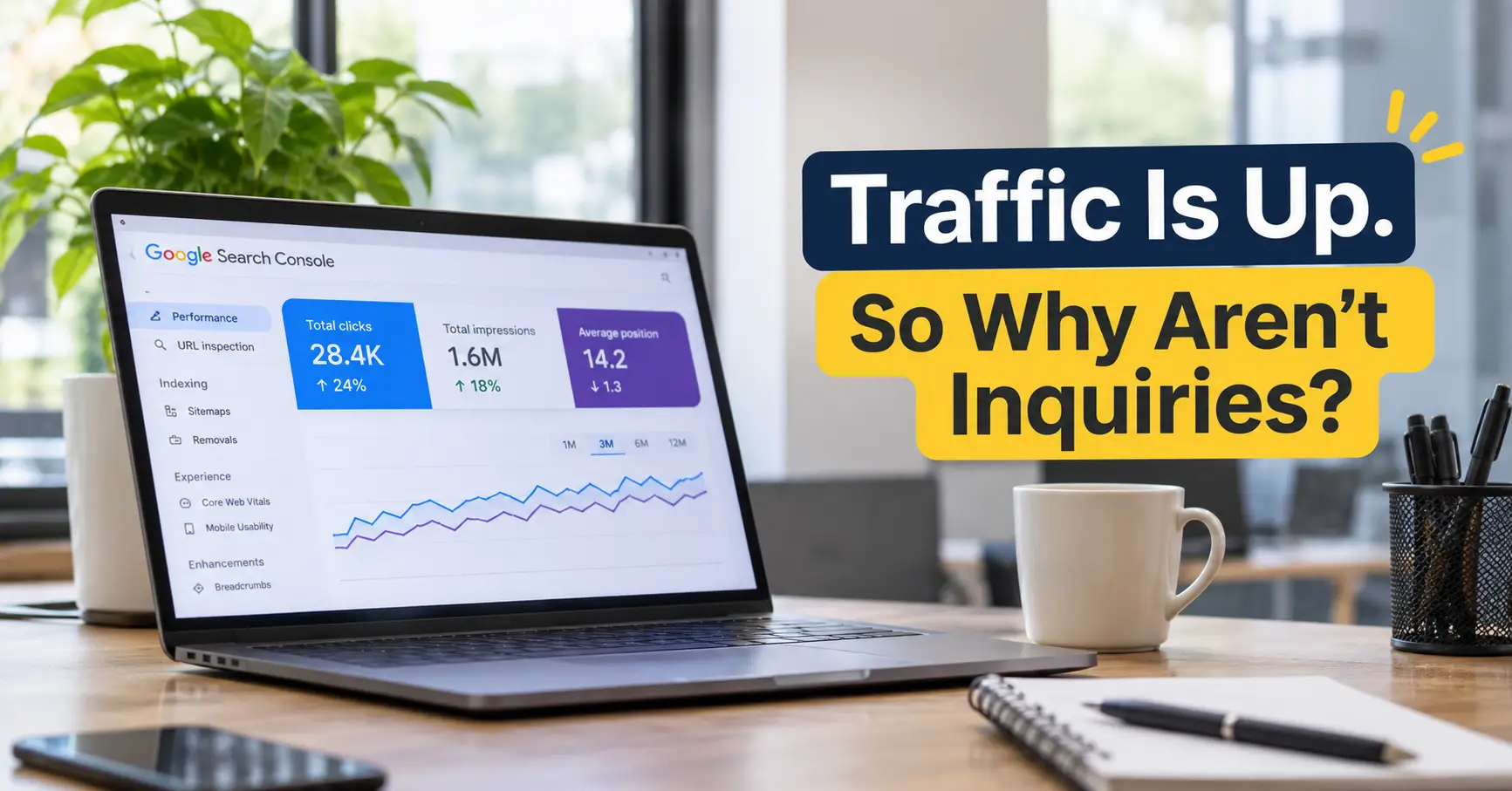
Your organic traffic is growing. Search Console shows more clicks, more pages are ranking, and the SEO report looks healthy. Yet the sales team is still waiting for inquiries.
B2B websites often gain organic traffic without gaining inquiries because the new visits come from informational searches, land on blog posts instead of service pages, or reach service pages that do not explain the offer, prove capability, or make contacting the business easy. The fix starts with finding which of these is happening.
Publishing more blogs or chasing higher rankings will not close that gap on its own. This guide shows how to find where the journey from search to inquiry breaks, using Google Search Console, GA4, and your CRM, and what to fix first once you know.
Why Is Traffic Growing but Inquiries Are Not?
Organic traffic can rise even when a website attracts people with little interest in its services.
A common pattern: a B2B company publishes articles on broad industry topics. Those articles rank, and monthly traffic climbs. Meanwhile, the service pages receive few visits, and qualified inquiries stay flat. The content is attracting an audience, but not a buying audience.
Common reasons include:
- Audience mismatch: Visitors are researching a subject, not looking for a provider.
- Search intent mismatch: A page ranks for a broad informational query but does not help someone evaluating a service.
- Weak service pages: Prospective buyers cannot quickly understand what the business offers, who it helps, or why it is relevant.
- Limited credibility: The website gives too little evidence of experience or capability.
- Conversion friction: Visitors struggle to find contact details or complete an inquiry form.
The first task is to identify where the journey breaks. Someone looking for a quick explanation has different needs than a decision-maker comparing suppliers.
What Is the Difference Between SEO Traffic and Leads?
SEO traffic measures visits from organic search. SEO leads are potential customers who take a meaningful action after finding your business through search: a consultation request, a project inquiry, a qualified demo booking, or a conversation about a specific business requirement.
The difference becomes clearer when you look at search intent:
Search query | Likely intent | Suitable page |
What is technical SEO? | Learning | Educational blog |
Technical SEO issues for B2B websites | Researching a problem | Detailed guide |
Technical SEO audit services | Evaluating providers | SEO service page |
B2B SEO agency | Comparing suppliers | Agency or service page |
Each search needs a relevant destination. Someone researching a technical issue may benefit from a practical article. Someone comparing agencies needs clear information about services, process, and expertise.
SEO for lead generation therefore needs more than extra clicks. You need to know which queries attract potential buyers and whether the pages receiving those visits help them take the next step. It also helps to separate an initial response, such as a content download, from genuine sales readiness, such as a request to discuss a project.
Are You Ranking for the Wrong Keywords?
A page can rank well and still attract visitors who are unlikely to become customers.
This often happens when keyword research prioritizes search volume over commercial relevance. Broad terms bring more visitors, while specific service-related searches bring fewer people with a stronger reason to inquire.
For example, a B2B SEO agency may attract visitors searching for basic SEO definitions. Those readers could be students, marketers, or business owners wanting a quick explanation. Someone searching for “B2B SEO audit” or “SEO agency for lead generation” has a more specific requirement.
Review your keyword strategy by asking:
- Does the search relate to a problem your business actually solves?
- Does the landing page answer the question behind that search?
- Is the search relevant to your target industries, company sizes, and markets?
Do not abandon informational content. It can introduce your business to buyers early in their research. The important part is connecting that content to relevant service pages without forcing a sales message into every article. The diagnostic process below shows how to measure this split.
How Do Technical SEO Issues Affect B2B Lead Generation?
Technical SEO helps search engines discover, crawl, and understand your website. It also affects whether visitors can reach and use important pages without difficulty.
When reviewing technical SEO for B2B websites, pay particular attention to:
- Indexing and crawlability: Check that important service pages are accessible and indexable. Look for accidental noindex directives, robots.txt restrictions, and sitemap errors.
- Broken links and redirects: Outdated URLs, broken internal links, and redirect chains interrupt navigation.
- Mobile usability: Make sure navigation, text, buttons, and inquiry forms work properly on mobile devices.
- Page performance: Review loading performance, visual stability, and Core Web Vitals. Good scores alone do not guarantee rankings or inquiries.
- Internal linking: Connect relevant blogs, service pages, and case studies so visitors can move naturally between related information.
Technical SEO does not generate leads on its own. A technically sound website still needs relevant content, credible service information, and a clear conversion path. Technical problems can, however, stop valuable pages from being found or used.
Google’s SEO Starter Guide and Core Web Vitals documentation give practical guidance.
Which Pages Should Be Generating Inquiries?
For most B2B businesses, the strongest inquiry opportunities are on pages that explain a specific service, solution, or business outcome.
The homepage introduces the company, but it cannot answer every question a buyer has. Dedicated pages give visitors a clearer view of what you offer and whether it suits their needs.
Prioritize these pages:
- Service pages: What you deliver, who it is for, how the process works, and how to inquire.
- Industry pages: How your offering applies to particular sectors and their requirements.
- Case studies: Genuine evidence of your experience and the work you have delivered.
- Commercial landing pages: Pages built for specific service-related searches, with relevant information and a clear next step.
Blog articles support this journey by answering questions and helping readers understand their options. Their job is to pass suitable readers on to these pages, which is why keyword-to-page mapping sits at the center of SEO built for lead generation.
The goal is to give each page a clear purpose, not to expect every blog post to produce an inquiry directly.
How to Diagnose a Traffic-to-Inquiry Gap
A traditional SEO audit finds technical errors, keyword gaps, and ranking opportunities. A lead-generation diagnosis also checks whether the right people reach the right pages and whether those pages convert. Work through these five steps in order.
Step 1: Split your queries by intent in Google Search Console
In Search Console, open Performance → Search results, add a Query filter, and choose Custom (regex).
- Commercial queries: services|agency|company|pricing|cost|audit|consultant|near me
- Informational queries: what is|how to|why|guide|examples| vs
Adjust the terms to match your own services. Compare the last three months with the previous period. If total clicks grew but the commercial share stayed flat or fell, the gap starts with the audience you are attracting.
Step 2: Check where organic clicks land
Switch to the Pages tab. Group URLs into service, industry, case study, and blog pages. Work out what share of organic clicks reaches commercial pages compared with blog posts.
Step 3: Check engagement on commercial pages
In GA4, open Reports → Engagement → Landing page and filter the session default channel group to Organic Search. For each service page, review engaged sessions and key events. Visits with very few key events point to the page itself.
Step 4: Test the conversion path
Open your inquiry form on a phone and submit a test inquiry. Count the clicks from a typical blog post to the contact form. Confirm the submission fires a GA4 key event, so organic inquiries are actually being recorded.
Step 5: Check lead quality in your CRM
Record the source, landing page, industry, company size, and location for every inquiry. Compare organic inquiries with your target customer profile. A form submission is not automatically a qualified lead.
Reading the results
What you see | Where the gap is | What to fix first |
High impressions, few clicks | Search result presentation or relevance | Titles, meta descriptions, query targeting |
Clicks up, commercial query share flat or down | Audience | Keyword-to-page mapping |
Most clicks land on blogs with no path onward | Internal linking | Contextual links from blogs to service pages |
Service-page visits up, few key events | The page | Proposition, proof, calls to action |
Key events firing, poor fit with target customers | Targeting | Query focus, qualifying form fields |
Inquiries arriving but not tracked | Measurement | GA4 key events and CRM source fields |
These are diagnostic clues, not automatic conclusions. Review the pages and the user journey before deciding what to change.
Is AI Search Changing What Your Traffic Numbers Mean?
AI Overviews and AI assistants now answer many informational queries directly. Clicks on those queries can fall even while impressions rise, and the traffic that remains can skew further toward early-stage research.
Buyers also research suppliers in tools such as ChatGPT, Perplexity, and Gemini, then visit the website later through a direct or branded search. Last-click reporting credits that visit to direct or branded traffic, not to the content that first introduced your business.
Two simple changes help:
- Add a “How did you hear about us?” field to your inquiry form.
- Review branded search impressions in Search Console alongside non-branded traffic, not separately.
How Do You Turn SEO Traffic Into Qualified Leads?
Turning organic visitors into qualified leads needs alignment between search strategy, website content, and the sales process. Start with the pages and queries already bringing visitors, find the gaps, and improve the journey from there.
- Prioritize relevant searches. Focus on keywords tied to the problems your services solve and the buyers you want to reach.
- Match searches to the right pages. Pair informational queries with useful resources, and commercial searches with detailed service information.
- Make your value clear. Explain what you offer, who benefits, and what makes your approach credible.
- Give visitors a clear next step. Use relevant calls to action, such as requesting a consultation or discussing a project.
- Measure lead quality. Track qualified inquiries, sales opportunities, and pipeline contribution alongside organic traffic.
The order matters. Start with commercial pages that already attract relevant visitors but produce few inquiries. Next, fix indexing or technical issues on key service pages. Then close keyword gaps and improve informational content that can guide suitable readers toward your services.
SEO also works inside the wider acquisition process. A prospect may find your business through an article, return through a service page, and inquire after reviewing your experience. Once inquiries reach the sales team, qualification and follow-up matter just as much. Our guide on how to choose a B2B appointment setting partner covers how to assess prospect fit and qualification standards.
When Flat Inquiries Are Not an SEO Problem
Sometimes the gap has nothing to do with SEO. Check these before changing your strategy:
- The traffic growth is branded or non-buyer traffic. Growth from people searching your company name, job seekers visiting the careers page, or existing customers logging in will not create new inquiries.
- Your sales cycle is long. In B2B, a buyer may first visit months before inquiring. Inquiries can lag behind traffic growth.
- Inquiries are arriving, but follow-up is the leak. If response times are slow or leads are not qualified properly, the problem sits with the sales process.
- The numbers are too small to read monthly. When a site gets a handful of inquiries a month, normal variation can look like a trend. Compare quarters, not months.
- The offer is the issue. If pricing, positioning, or the service itself does not fit the market, better SEO will bring more people to an offer they still will not buy.
Conclusion: Make Your SEO Traffic Work Toward Business Growth
Growing traffic is a positive sign, but it is only one part of SEO performance. What matters is whether that visibility reaches the right buyers, sends them to the right pages, and makes the next step easy.
If your organic visibility is improving but qualified inquiries remain flat, start with the five-step diagnosis above. If you would like a second view, Brandacy can review your SEO, website experience, and lead-generation process together.
Book a call with Brandacy to discuss your website and lead-generation goals.
Frequently Asked Questions
Why is my website getting traffic but no inquiries?
Your website may be attracting visitors whose search intent does not match your services. Other common reasons are unclear service pages, limited trust signals, poor usability, or a difficult inquiry process. Review search queries, landing pages, and conversion data together to find where potential customers drop off.
Does more SEO traffic always mean more leads?
No. Higher organic traffic does not automatically lead to more inquiries. Traffic becomes commercially valuable when it comes from people who match your target audience and need what your business solves. Relevant visitors and qualified inquiries are better indicators than traffic volume alone.
How can I use SEO to generate more B2B leads?
Target searches that reflect your buyers’ needs, build clear service pages, publish useful informational content, link it to those service pages, and make inquiring easy. Track organic conversions and assess lead quality in your CRM to see which pages and queries contribute to sales opportunities.
What should an SEO audit check if my website is not generating leads?
A lead-generation SEO audit should check keyword relevance, search intent, landing-page quality, technical SEO, usability, conversion paths, and inquiry tracking. It should also confirm whether incoming inquiries match your target industries, company sizes, locations, and service requirements.
How long does SEO take to generate B2B inquiries?
There is no fixed timeline. Results depend on website authority, competition, technical health, content quality, target keywords, and how well the website converts visitors. Improving existing pages usually shows results sooner than building visibility for new topics, but results should be judged over quarters using organic performance and qualified inquiry data.